Everything Stint does
Each feature has its own page with the screens and the details.
Start before you forget
Pick a project and start the timer. Stint keeps counting when you close the app, even without a connection.
What it does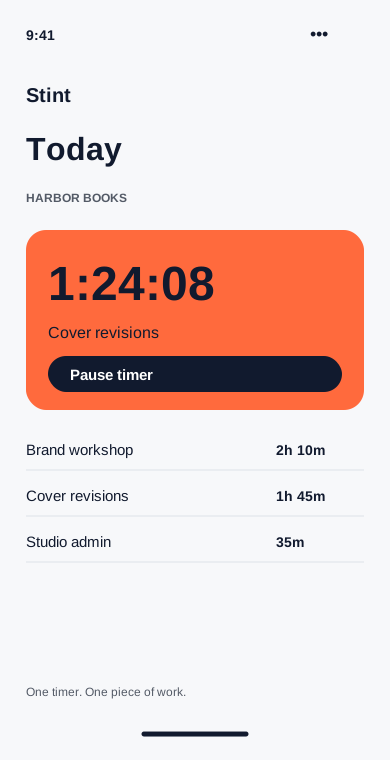
Put the missing hour back
See the whole week, adjust a start time and add the work you forgot to track. The original note stays with the entry.
What it does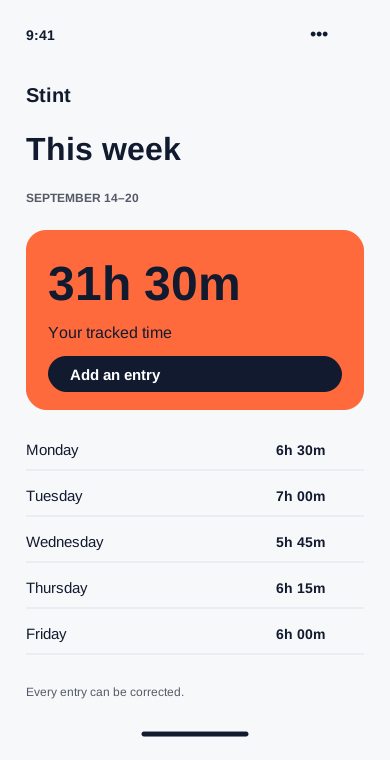
Deal with the open timer
A desktop reminder asks about idle minutes when you return. Keep them, remove them or assign them to a different project.
What it does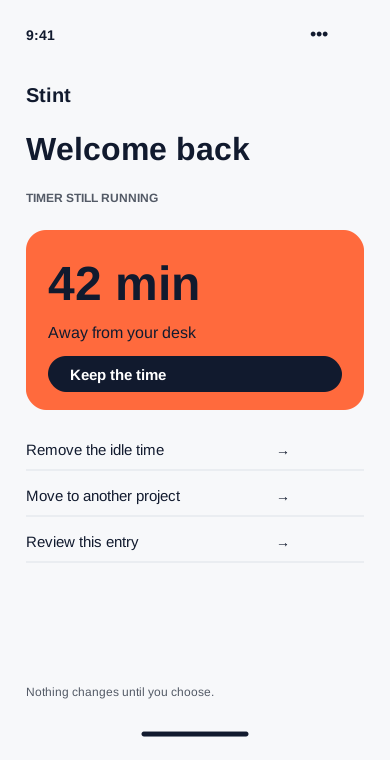
Set the rate once
Give each client an hourly rate. New invoice drafts use that rate, with a separate override for projects that need one.
What it does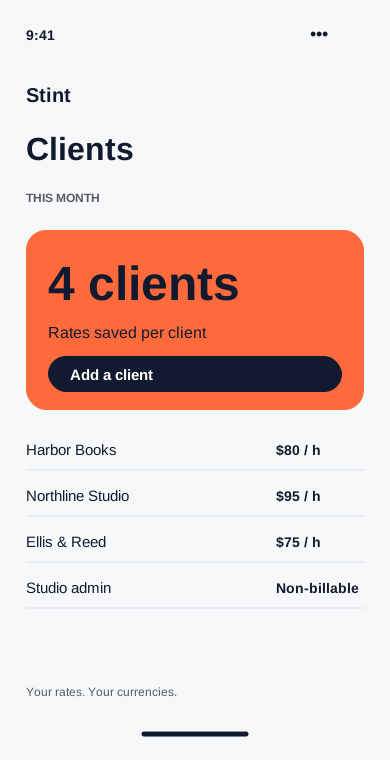
Turn hours into a draft
Choose a client and a date range. Review the time lines, add tax if needed and export a PDF for your usual billing process.
What it does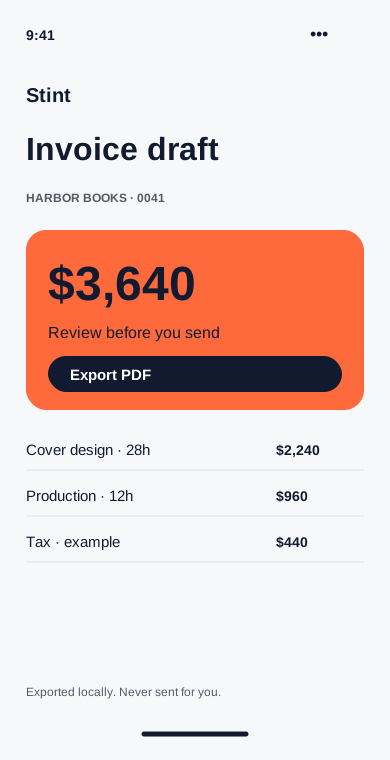
See where the month went
Compare hours by client and separate billable work from admin time. Every total leads back to the entries that made it.
What it does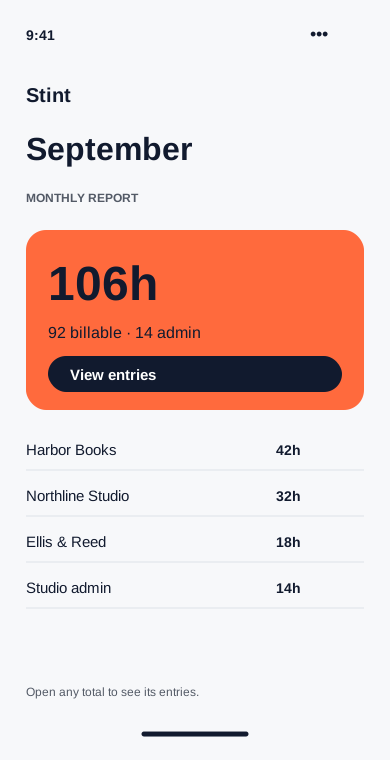
Bring the week with you
Link a second device with a pairing code. Optional encrypted sync keeps your projects and entries together across phone and desktop.
What it does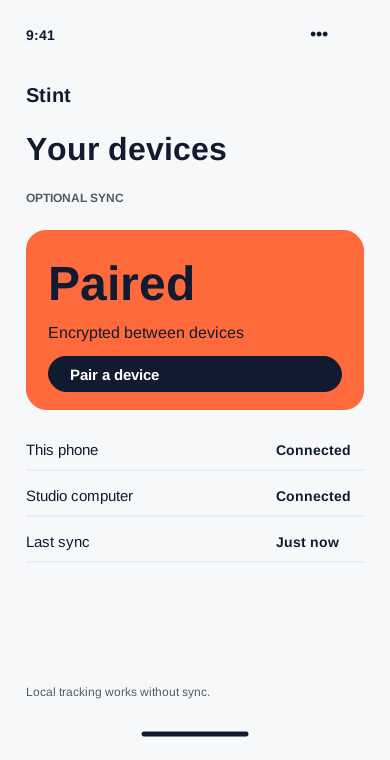
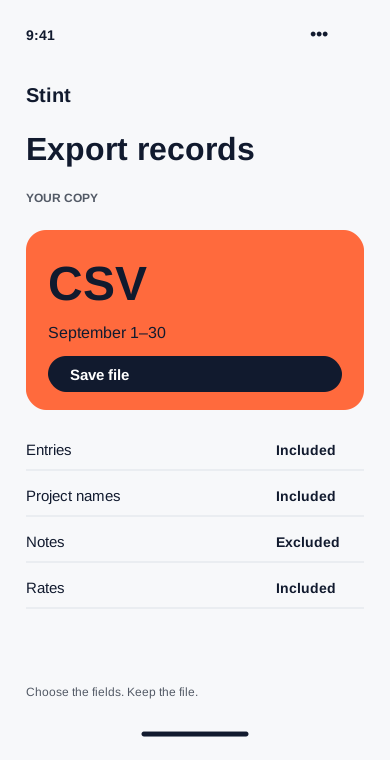
Leave with your records
Export entries, projects and client rates as CSV. Choose the dates and columns so the file fits the next step in your workflow.
What it does