Turn hours into a draft
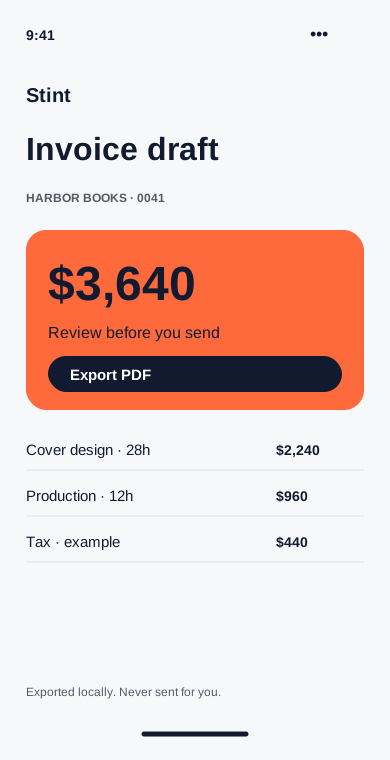
Choose a client and a date range. Review the time lines, add tax if needed and export a PDF for your usual billing process.
Available on
- Group entries by project or date.
- Review quantities and rates before export.
- Export a PDF without sending email.
Start with the entries you already have
Choose Harbor Books and September. Billable entries appear as draft lines, grouped by project. Notes stay available for reference, but you decide which notes appear on the invoice.
Check the details
Add your business details, invoice number and payment instructions. Tax is an editable percentage; Stint does not decide which tax rules apply. Preview the PDF and check the totals before exporting it.
Send it your way
Export saves a file on your device. It does not email the client, collect payment or mark an invoice as paid. Use your existing billing process to send the draft and track the payment.