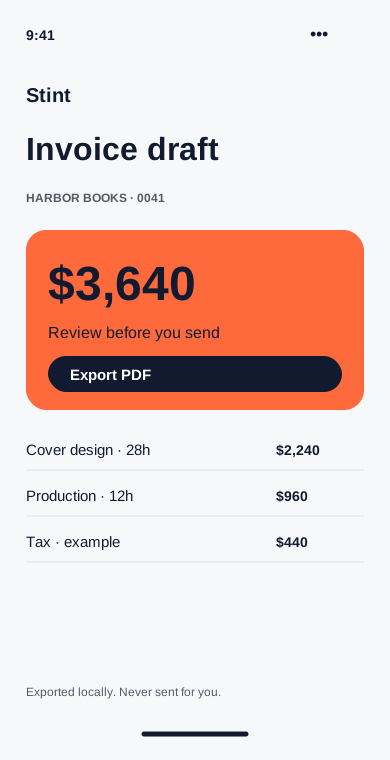
Prepare the invoice
Client rates and invoice drafts made from the time you logged.
Set the rate once
Give each client an hourly rate. New invoice drafts use that rate, with a separate override for projects that need one.
What it does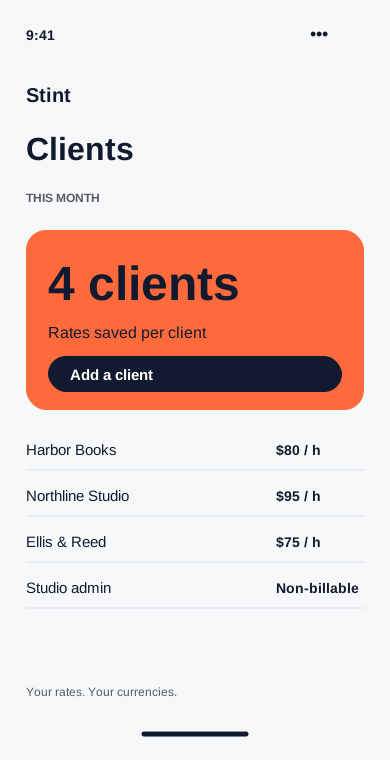
Turn hours into a draft
Choose a client and a date range. Review the time lines, add tax if needed and export a PDF for your usual billing process.
What it does