Version 3.4: a clearer week
The week view now shows corrections before you save them. Desktop exports remember your last column selection.
For freelancers and small studios
Start a timer. Fix a missed entry. Draft an invoice from the hours you tracked. Your records stay on your device.
How it works
Step 01
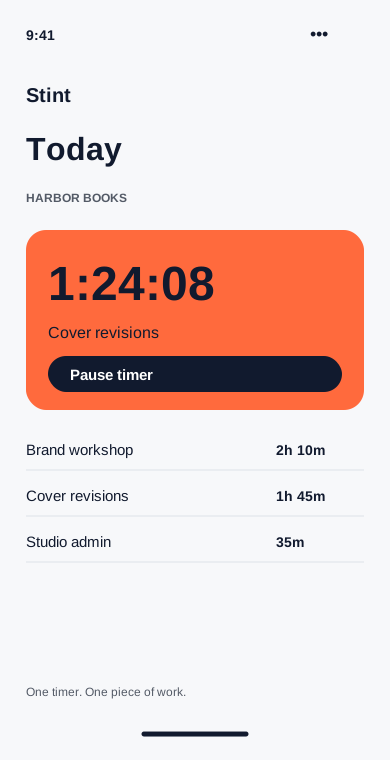
Pick a project and start the timer. Stint keeps counting when you close the app, even without a connection.
Step 02
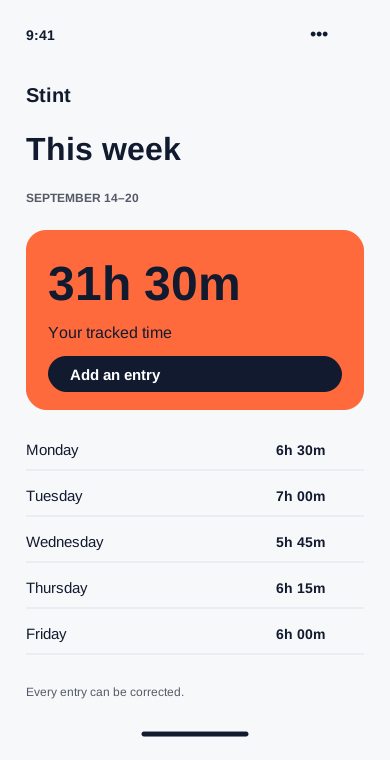
See the whole week, adjust a start time and add the work you forgot to track. The original note stays with the entry.
Step 03
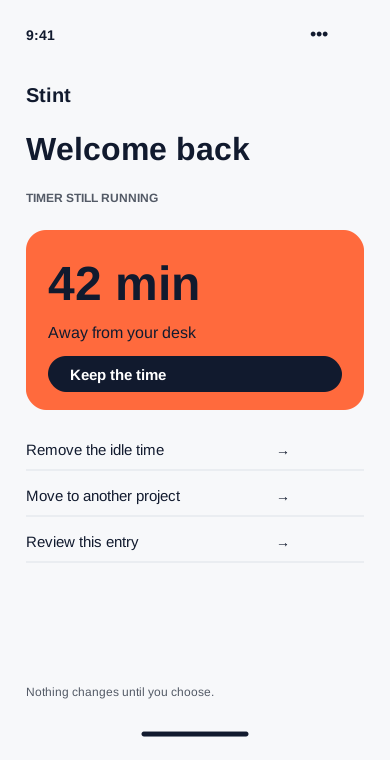
A desktop reminder asks about idle minutes when you return. Keep them, remove them or assign them to a different project.
Step 04
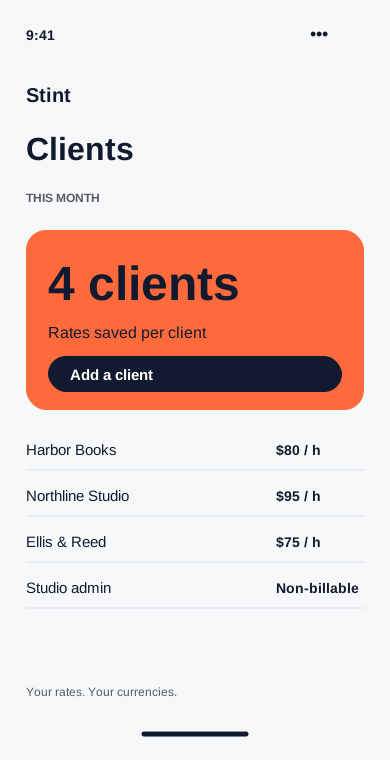
Give each client an hourly rate. New invoice drafts use that rate, with a separate override for projects that need one.
Step 05
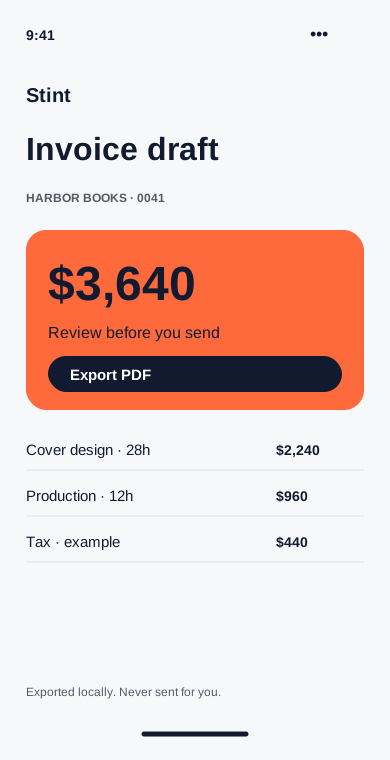
Choose a client and a date range. Review the time lines, add tax if needed and export a PDF for your usual billing process.
Your data
What Stint does with your data, in plain words. The privacy policy has the details.
Journal
The week view now shows corrections before you save them. Desktop exports remember your last column selection.
Check missed timers, fix project names and export the week while you still remember what happened.
Your projects stay on your device by default. Here is what changes when you export or switch on sync.
Get Stint
Every version is free. Sync between devices is optional and end-to-end encrypted.
Demo links: these point to example.com and download nothing.