Deal with the open timer
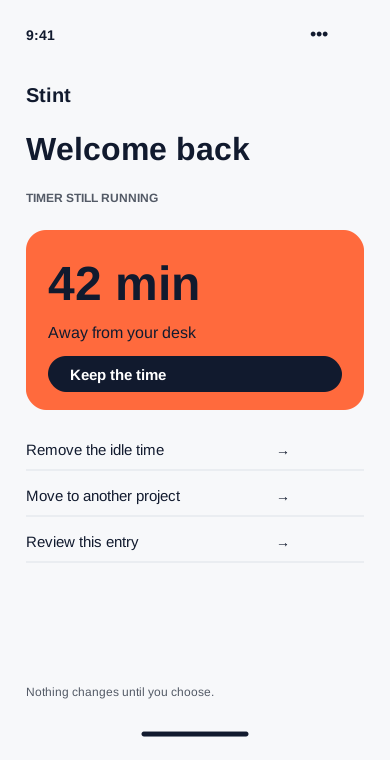
A desktop reminder asks about idle minutes when you return. Keep them, remove them or assign them to a different project.
Available on
- Choose the idle threshold in settings.
- Review before any time is removed.
- Turn reminders off whenever you prefer.
A reminder, with a decision left to you
If the computer has been idle for the threshold you set, Stint asks what happened when you return. It does not assume that stepping away means you stopped working.
Three useful answers
Keep the time if you were sketching on paper. Remove it if you left for lunch. Move it if a call belonged to another client. The entry preview shows the affected interval before you confirm.
A desktop feature
Idle reminders use desktop activity signals on Mac and Windows. They do not read keystrokes, take screenshots or inspect the contents of other apps. Phone timers still let you edit any entry manually.