Start before you forget
Pick a project and start the timer. Stint keeps counting when you close the app, even without a connection.
Available on
- Start a project from your lock screen.
- Pause for a break without closing the entry.
- Add a note while the work is fresh.
A timer for the work in front of you
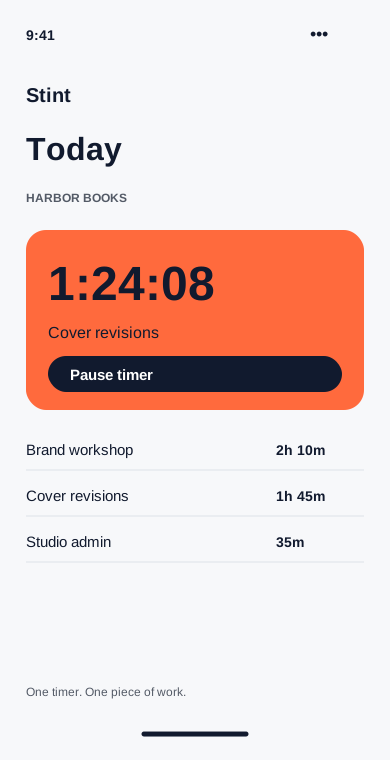
Choose Harbor Books, add a note such as “cover revisions,” and tap Start. You can close the app and put the phone away. The running timer stays attached to that project until you stop it.
When the day gets interrupted
Pause for lunch, then resume the same entry. If a call becomes a different piece of work, stop this timer and start another project. Stint allows one running timer per device so overlapping entries are easy to spot.
Away from a connection
Starting, pausing and stopping all work offline. Optional sync sends completed changes when the device reconnects. Your timer does not depend on a server answering.