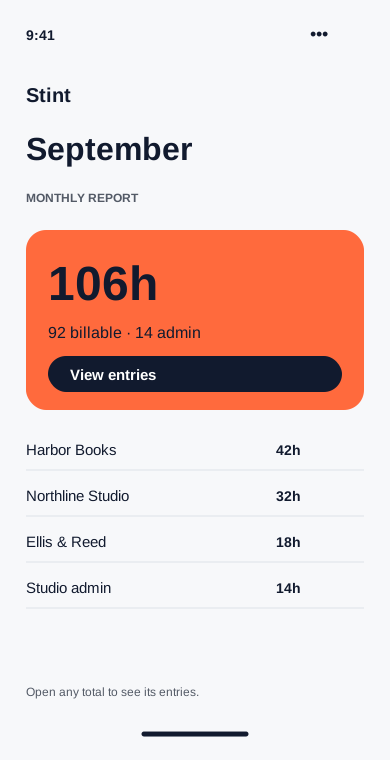
See where the month went
Compare hours by client and separate billable work from admin time. Every total leads back to the entries that made it.
Available on
- Filter by client and date range.
- Include or exclude non-billable time.
- Open the entries behind a total.
Find the work behind the number
A September report shows 92 billable hours and 14 admin hours. Choose a client to see the entries behind its total, including the notes and corrections you made during the month.
Compare like with like
Use the same date range for each report. Stint displays hours in decimal form in reports and as hours and minutes in entries. A 90-minute entry becomes 1.5 hours in a CSV.
Keep the interpretation simple
Reports summarize your own records. They do not score productivity or compare you with other people. An empty week can be a holiday, a missed timer or a quiet project.