Bring the week with you
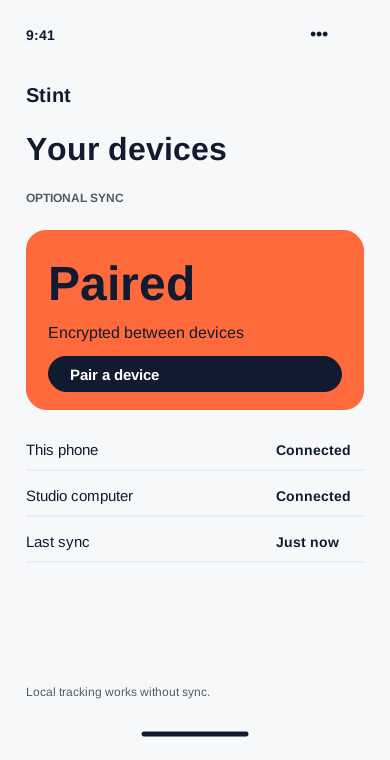
Link a second device with a pairing code. Optional encrypted sync keeps your projects and entries together across phone and desktop.
Available on
- Work locally without making an account.
- Pair only the devices you choose.
- Remove a paired device from settings.
Local first
Without sync, the database stays on the device where you use Stint. You can track time, prepare drafts and export records without creating an account.
Pair a device
Open Sync on both devices and use the short-lived pairing code. The app creates the encryption keys on your devices. The demo product describes a service that stores encrypted records; replace these claims with your actual implementation before launch.
Leaving sync
Unpairing stops future synchronization. It does not erase the local database on the removed device. To remove that copy, open Settings on that device and choose Delete local data.