Track your time
Timers, corrections and a week you can check at a glance.
Start before you forget
Pick a project and start the timer. Stint keeps counting when you close the app, even without a connection.
What it does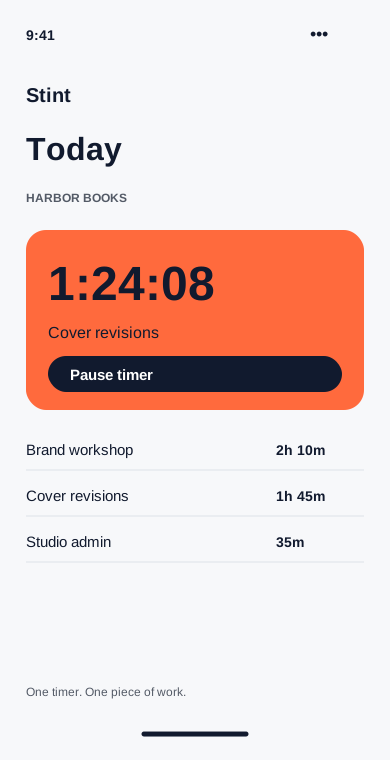
Put the missing hour back
See the whole week, adjust a start time and add the work you forgot to track. The original note stays with the entry.
What it does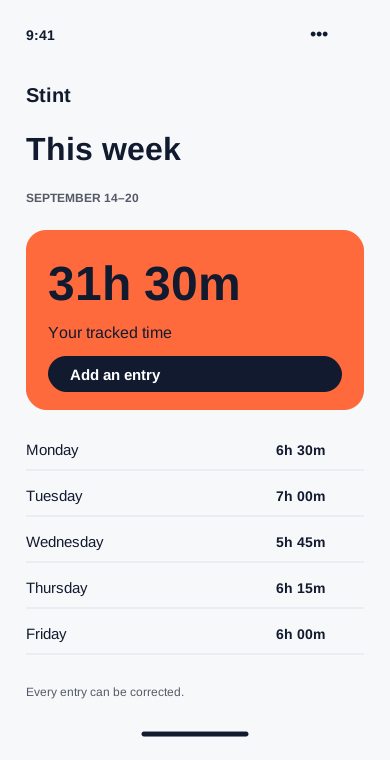
Deal with the open timer
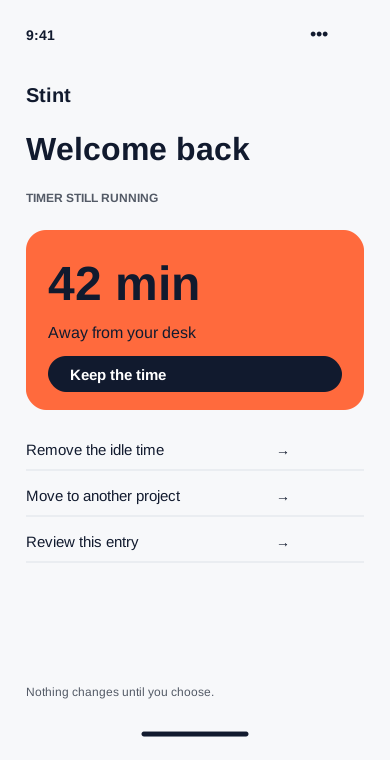
A desktop reminder asks about idle minutes when you return. Keep them, remove them or assign them to a different project.
What it does