Keep your records
Local storage, optional sync and exports you can take elsewhere.
See where the month went
Compare hours by client and separate billable work from admin time. Every total leads back to the entries that made it.
What it does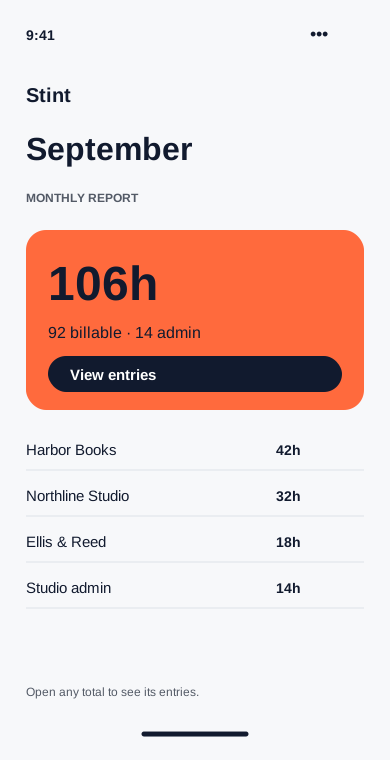
Bring the week with you
Link a second device with a pairing code. Optional encrypted sync keeps your projects and entries together across phone and desktop.
What it does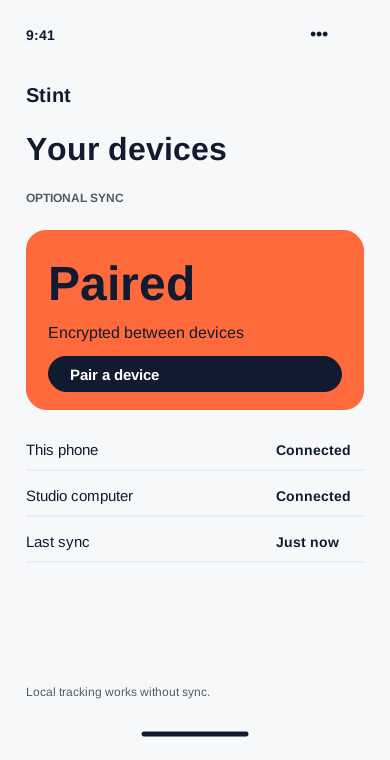
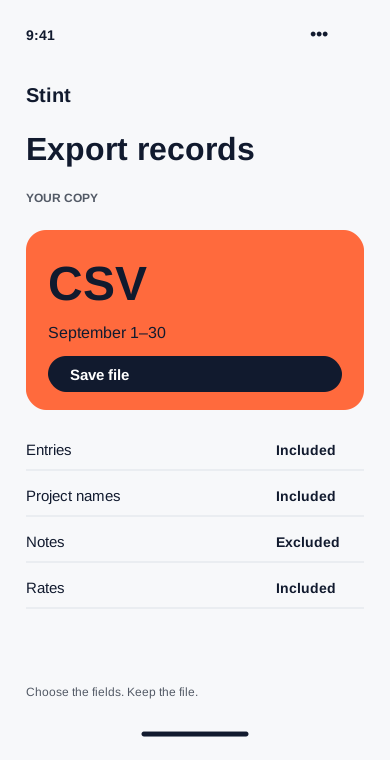
Leave with your records
Export entries, projects and client rates as CSV. Choose the dates and columns so the file fits the next step in your workflow.
What it does